

Metrobank brings tap-to-pay convenience to Android phone users with Google Pay support for cards.
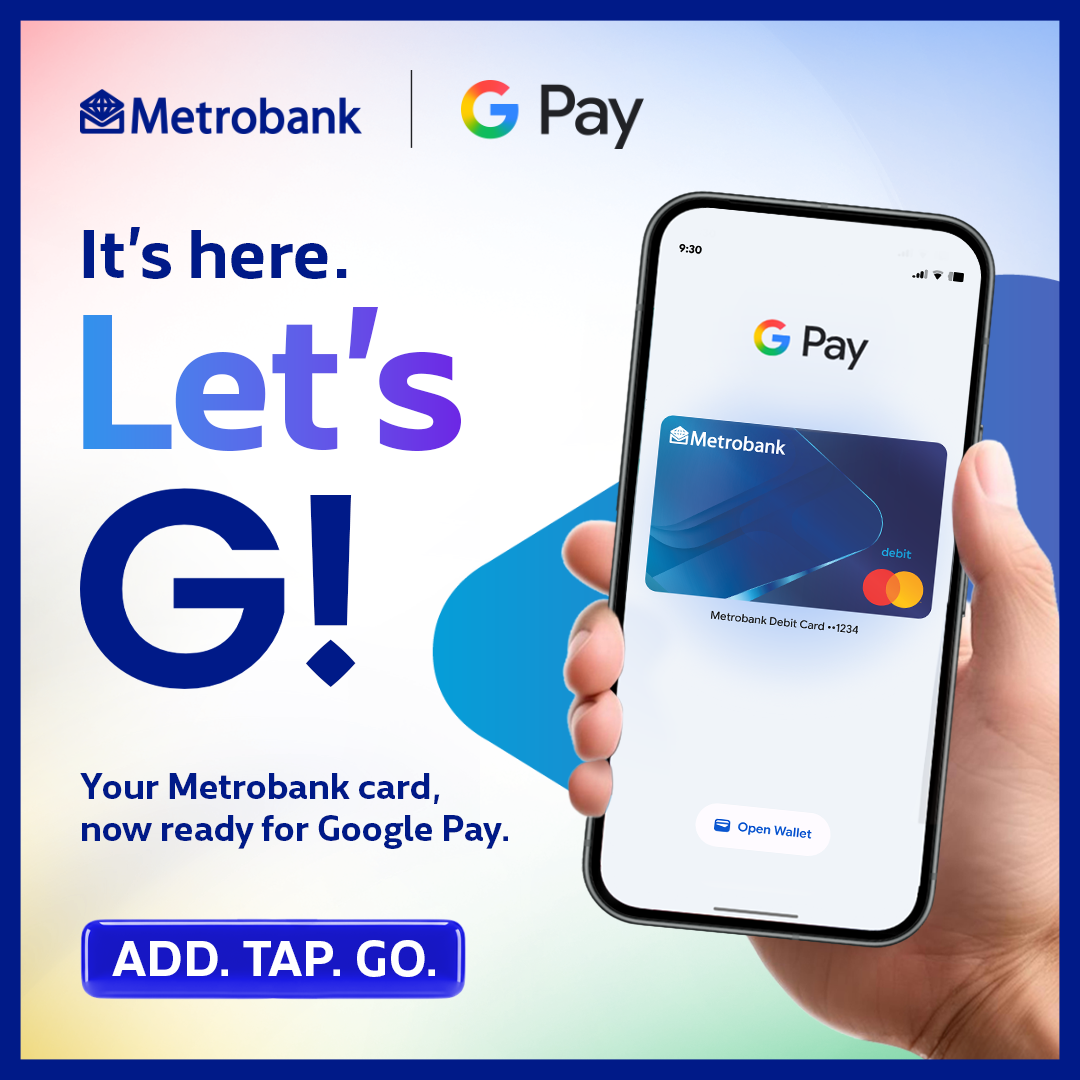
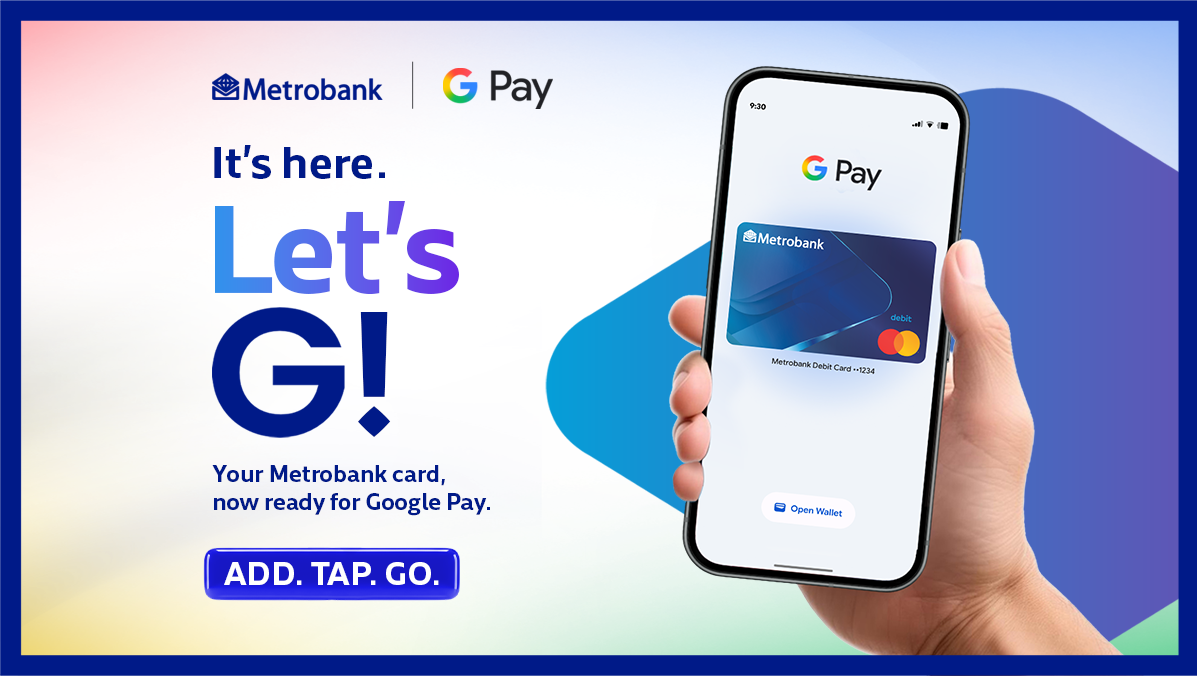
Metrobank credit, debit, and prepaid cardholders can now use Google Pay. This turns Android phones and smartwatches into contactless payment devices.
Google Pay expands the range of digital payment solutions from Metrobank. It reinforces the bank commitment to provide secure and seamless ways to pay.
Enhanced Payment Security
Ramon Vivencio del Rosario, Metrobank Head of Consumer Business Sector, shared their goal for daily banking. He stated that daily banking should be simpler and safer for cardholders.
Cardholders enjoy the same trusted rewards, benefits, and security. However, they now get a faster and more seamless way to use Android devices.
Easy Setup Steps
Adding your Metrobank card to Google Pay takes only a few quick steps. First, download Google Wallet on your Android phone.
Open Google Wallet and tap the plus button. Select payment card and choose new credit or debit card.
Scan your Metrobank card using your phone camera. Alternatively, you can enter your card details manually.
Review and accept the applicable Google Pay and Metrobank terms and conditions. Follow the on-screen instructions to verify your card through a one-time password sent via SMS.
Seamless Transactions
Once verified, you can start using Google Pay for fast payments in-store, online, and in apps. You can also easily track your card transactions from the Metrobank app.
Add, tap, and go by setting up your Metrobank card to Google Pay today. For more information, visit the official Metrobank website.